Collector guide · queued October 2026
Pinball Flipper Rebuild Basics: What Wears and What to Inspect
Understand the common wear points in a pinball flipper assembly before ordering parts or blaming the coil.
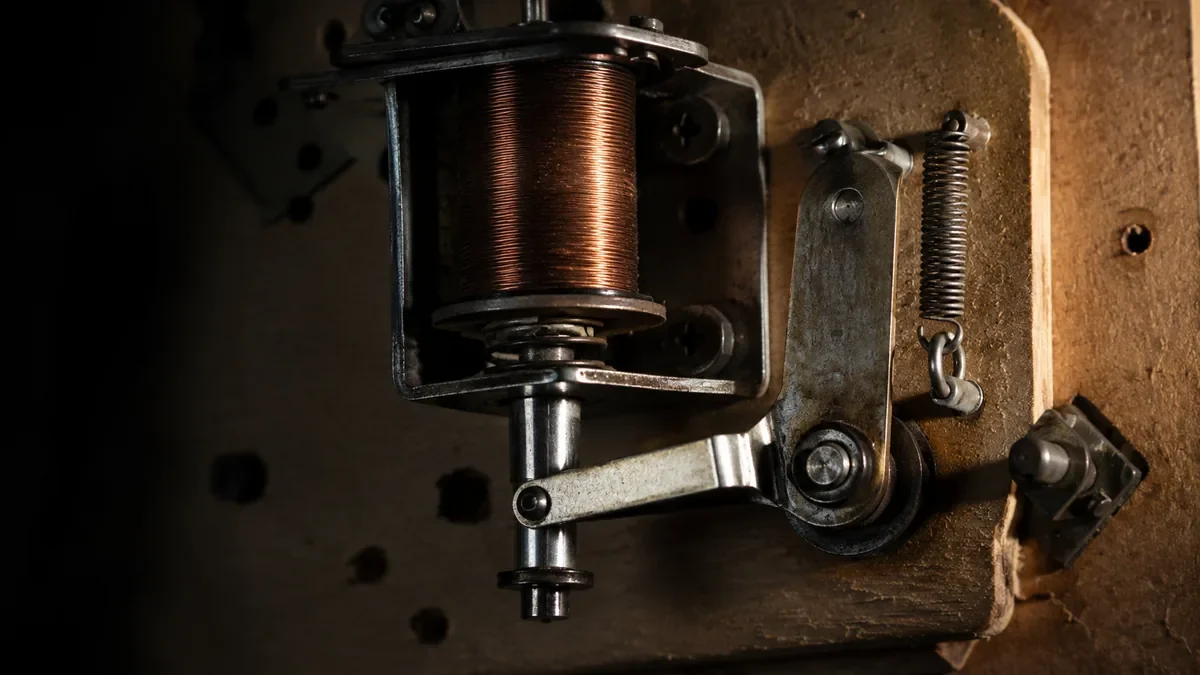
Start with the symptom
A weak flipper, dragging bat, excessive play and inconsistent return point are different symptoms. Observe the mechanism with power off and compare left and right assemblies when the game uses similar hardware.
Do not hold a flipper energized for extended periods during testing; coils can become hot.
Mechanical wear points
Bushings, coil sleeves, links, pivots and stops can wear. A loose bat can also come from clamp hardware rather than the coil itself.
Dark dust around a mechanism is a clue to friction and wear, not a reason to add oil.
Electrical factors
Switch condition, connectors, power supply health and coil specification can affect performance. Replacing mechanical parts will not correct a voltage or control problem.
Use the correct schematic and platform documentation before measuring energized circuits.
Rebuild as a system
When a flipper has high hours, replacing the intended wear parts together can produce more consistent geometry than swapping one obvious piece at a time.
Keep the old parts until the repair is verified so you can compare lengths and hardware.
Adjust carefully
Correct end-of-stroke and switch gaps are platform-specific. Copying a random internet gap from another era can create heating or weak performance.